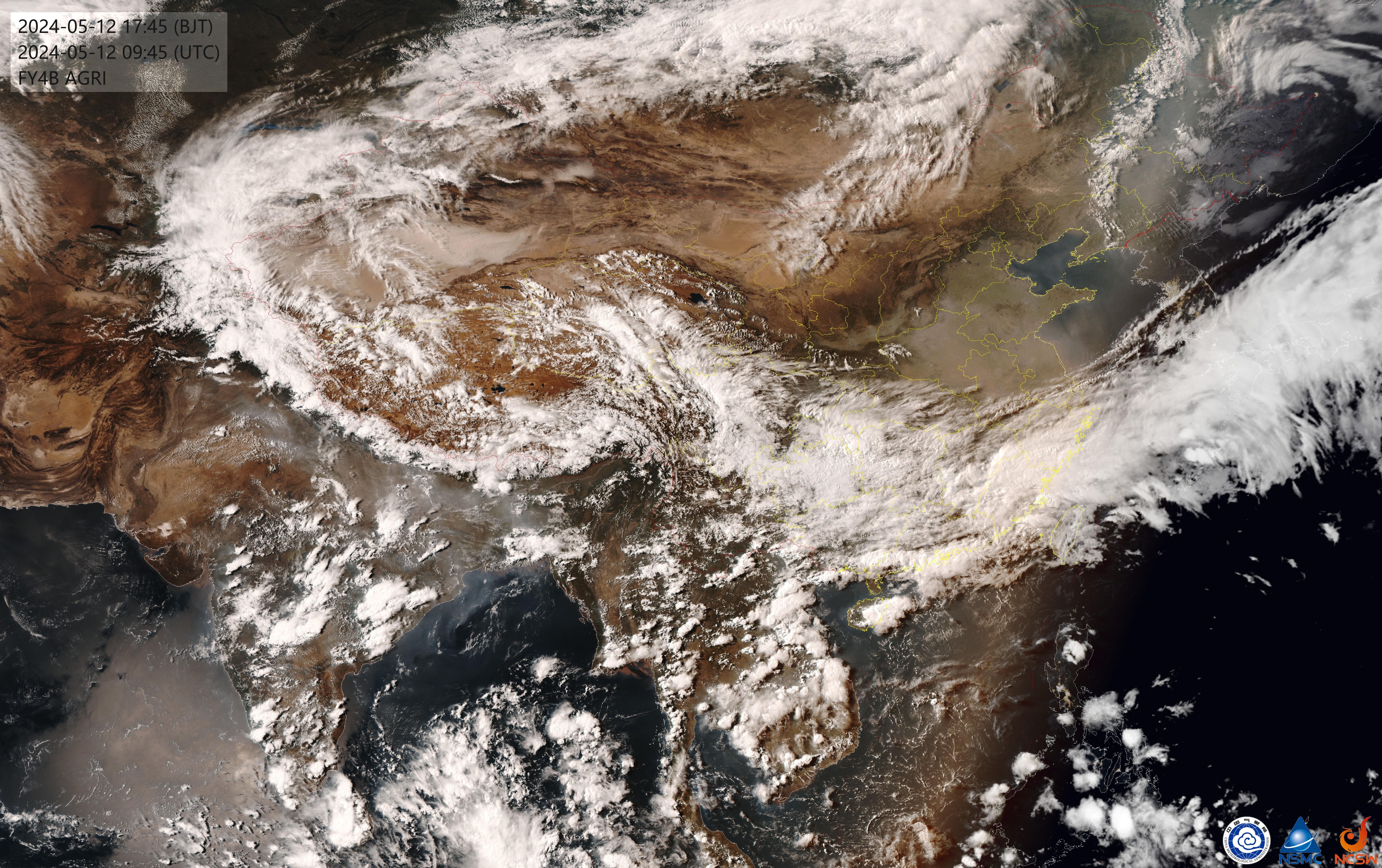
卫星云图

v1.0.0

获取并返回最新的实时卫星云图。当用户提到"云图"、"卫星云图"、"实时云图"、"天气图"等关键词时触发。 此技能会自动下载最新云图,并发给用户。

0· 66·0 current·0 all-time
MIT-0
Download zip
LicenseMIT-0 · Free to use, modify, and redistribute. No attribution required.
Security Scan
VirusTotalVirusTotal
Benign
View report →
OpenClawOpenClaw
Benign
high confidence
Purpose & Capability
Name/description match the included code and SKILL.md. The script downloads a single published FY4B image, runs OCR to extract the timestamp, compresses and caches the image, and prints the local path for the agent to include in a reply. No unrelated services, credentials, or binaries are requested.
Instruction Scope
SKILL.md instructs installing tesseract and Python libs and running the provided script; the script's behavior (download, OCR, compress, save path) matches those instructions. The instructions do not ask the agent to read unrelated files or exfiltrate other data. The agent is expected to embed the local image path (via <qqmedia>)—this is consistent with the skill's goal.
Install Mechanism
There is no built-in install spec; the README-style SKILL.md suggests installing OS packages and pip dependencies (requests, pillow, pytesseract). These are common and proportionate. The only external file download referenced is an optional Tesseract chi_sim traineddata from GitHub raw, which is an expected source for language data but should be verified by the user.
Credentials
The skill requires no environment variables, credentials, or config paths. It only performs network access to a single public image URL and writes cached JPG files under the user's home (~/.openclaw/satellite_cache), which is proportionate to functionality.
Persistence & Privilege
The skill does not request always: true or other elevated persistence. It writes its own cache files under ~/.openclaw and does not modify other skill or system configurations.
Assessment
This skill appears to do exactly what it says: download a FY4B satellite image, OCR the timestamp, compress and cache the image, and print the local path for the agent to send. Before installing, consider: (1) you will need to install system packages (Tesseract) and Python libs—follow trusted package sources for those; (2) the Windows instructions suggest downloading a Tesseract language file from GitHub raw—verify the URL before downloading; (3) the script writes images to ~/.openclaw/satellite_cache and will make them available to the agent (the agent may upload them when it uses the <qqmedia> tag); (4) if you prefer tighter control, run the script manually in a sandbox to verify behavior first. Overall the skill is coherent and there are no obvious signs of malicious behavior.

Like a lobster shell, security has layers — review code before you run it.

latestvk97b35m1kezkkgekv6amdjrykx8418yg

License

MIT-0
Free to use, modify, and redistribute. No attribution required.

Comments