Install
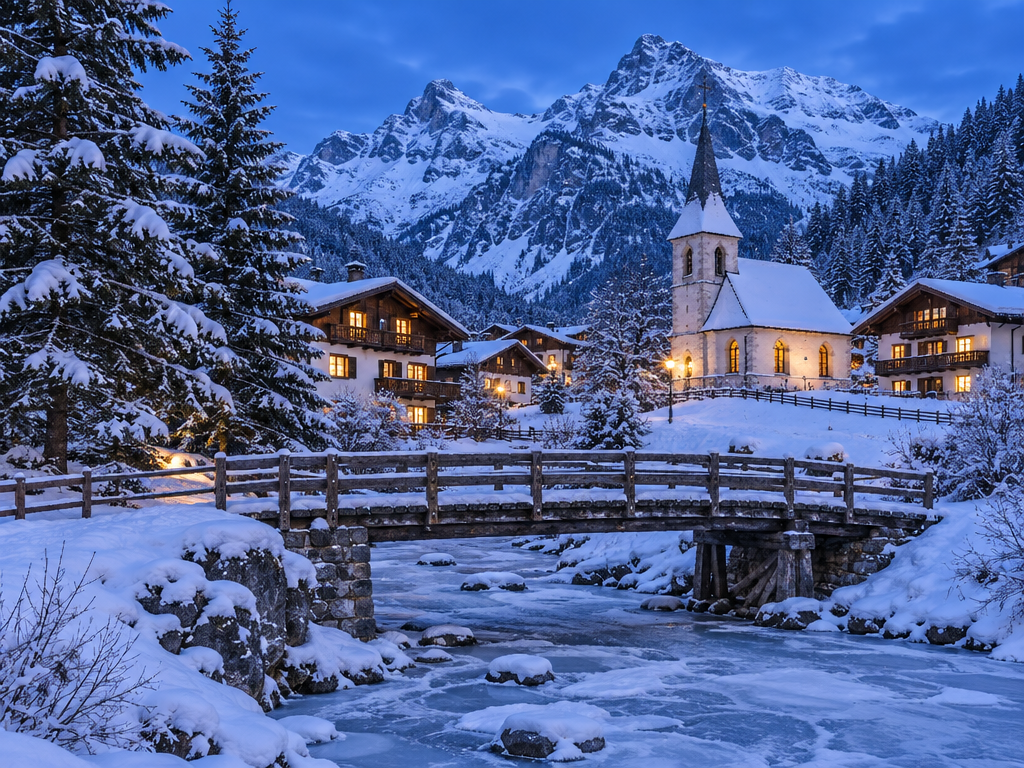
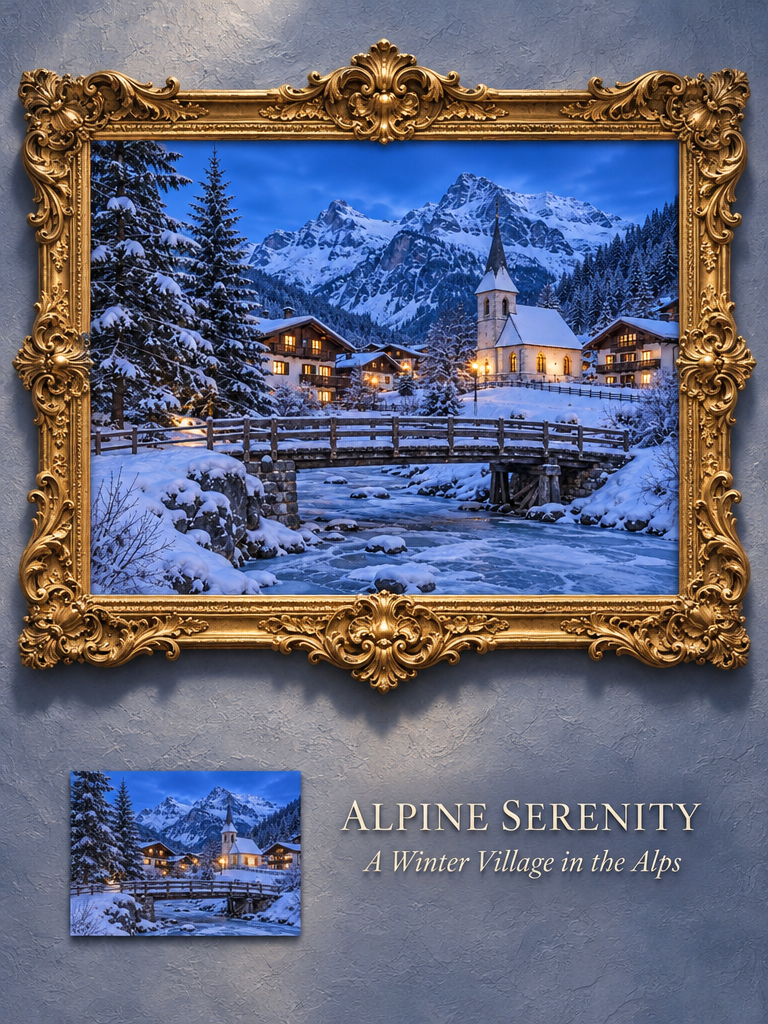
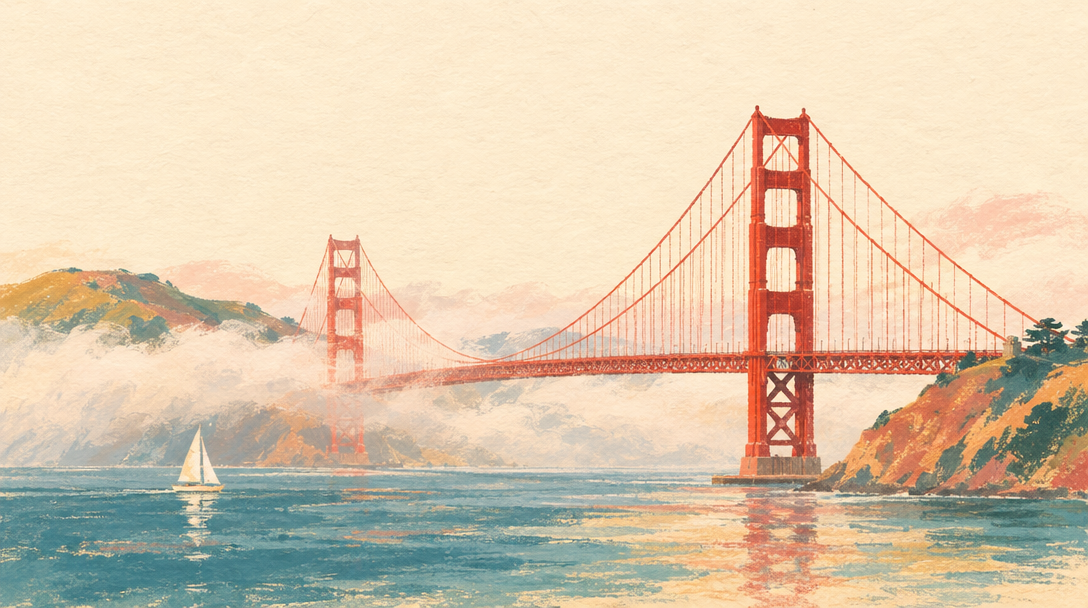
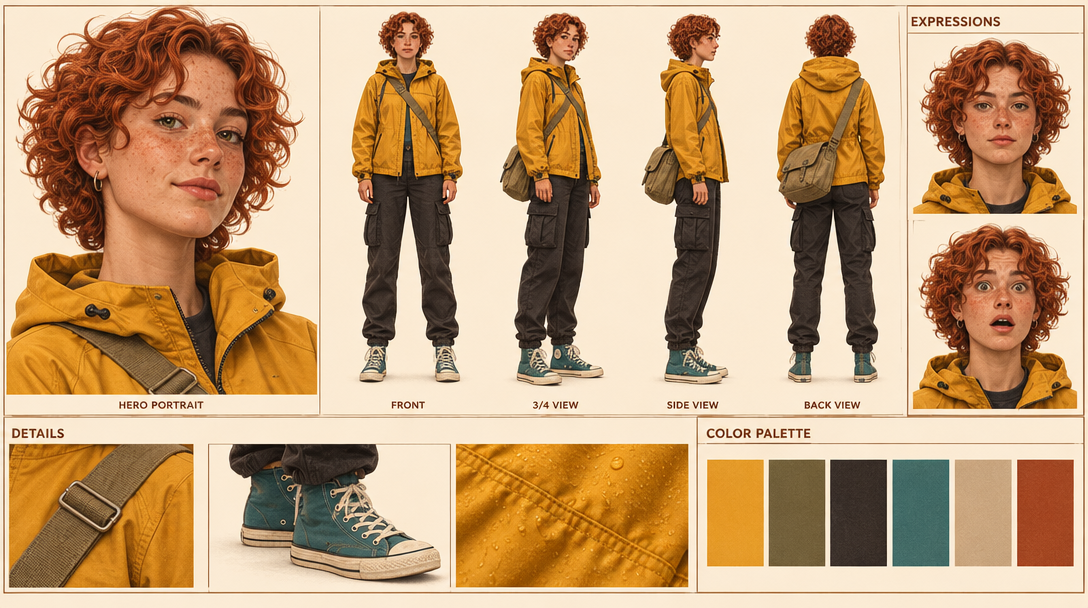
openclaw skills install @vargai/gpt-image-2-6Guide to OpenAI's GPT Image 2.6 on varg (gpt_image_2_6) and the entry point to the GPT Image 2.6 skill set: Flare vs Sunburst, quality vs reasoning_effort, sizes and aspect presets, what fal rejects (xhigh and max effort, SVG, over 16 GIF frames), measured prices, failure modes, the exact varg MCP and REST calls, and prompt recipes for the text-heavy layouts people shared on X: infographic, product launch poster, photo to editorial travel print, photo to Baroque gallery poster, landmark postcard, character turnaround sheet, storyboard sheet and low-res to clean upscale, each credited to its author. Use when someone asks for GPT Image 2.6, gpt-image-2.6, Flare or Sunburst, wants an infographic, poster, art print, character sheet or storyboard with readable text, or asks how to prompt, size or price this model. Not for looping GIFs (gpt-image-gif), sticker packs (gpt-image-sticker-pack), game sprite sheets (gpt-image-sprite-sheet), circle-and-arrow edits (gpt-image-markup-edit) or video (varg-ai).
openclaw skills install @vargai/gpt-image-2-6OpenAI released GPT Image 2.6 on 2026-11-04: animated GIF output, two API models (Flare and Sunburst)
that "generate images 50% faster than before", image markup, SVG export and a complexity control
(@OpenAIDevs,
@OpenAI). The token price is the same as 2.5: $30 per
million image output tokens, $8 per million image input tokens, $5 per million text input tokens
(@dotey). On varg it is gpt_image_2_6, live since
2026-11-04.
On the LMArena boards on launch night, Sunburst (medium) was #2 in text-to-image (1409) and #3 in image edit (1476); Flare (medium) was #4 (1384) and #5 (1462) (@arena).
This skill is the model guide. The other four skills in the set:
| Skill | For |
|---|---|
| gpt-image-gif | A still, mascot, logo or prompt → a looping GIF; the sprite-sheet pixel budget; GIF → WebP/MP4 |
| gpt-image-sticker-pack | A photo or character → 6-8 animated stickers for Telegram, WhatsApp, LINE, WeChat, Discord, Slack |
| gpt-image-sprite-sheet | Game sprite sheets → frames, GIF and a JSON atlas for Phaser or Godot |
| gpt-image-markup-edit | Circles, arrows and notes on a transparent layer → an edit that touches only the marked places |
| Flare (default) | Sunburst | |
|---|---|---|
model | gpt_image_2_6 (text only → fal:openai/gpt-image-2.6/flare/text-to-image; with files → .../flare/edit) | pin fal:openai/gpt-image-2.6/sunburst/text-to-image or fal:openai/gpt-image-2.6/sunburst/edit |
| Time | ~10 s (measured 2026-11-05 on varg) | ~49 s (measured 2026-11-05 on varg) |
| Price | same as Sunburst | same as Flare |
| OpenAI says | "Flare also improves layout quality for posters, product imagery, and other professional visuals" (OpenAI blog, quoted by @TheRealAdamG) | "At medium or high quality, Sunburst keeps details more consistent from one edit to the next" (@OpenAIDevs) |
| Use it for | Drafts, posters, product shots, most stills, GIFs | A chain of edits on one image; the final pass of a dense layout once Flare has the layout right |
Flare is the default. Pin Sunburst only when you will edit the same image again and again. Edits take up to 16 reference images (fal: "A maximum of 16 images are allowed").
quality (low, medium, high, auto; varg default high) sets render detail and price.reasoning_effort (low, medium, high) is how long the model plans before drawing; OpenAI
calls it complexity. OpenAI: "Lower complexity can suit focused edits, such as changing a background
or a sign. Higher complexity can help with dense text, complex layouts, and relationships between
objects" (OpenAI image guide).
fal: "Higher settings increase detail, latency, and token usage." xhigh and max are in the
schema, but fal rejected both (measured 2026-11-05 on varg). We did not measure whether effort
changes the varg price.| Job | quality | reasoning_effort |
|---|---|---|
| Draft, layout test | low (3 credits) | low |
| Poster, product shot, postcard | high | medium |
| Infographic, storyboard, character sheet (many labels) | high | high |
| One focused edit (swap a sign, a background) | high | low (OpenAI's advice for edits, @OpenAIDevs) |
Both go in provider_options.fal.
aspect_ratio | fal preset | Size we got |
|---|---|---|
4:3 (default) | landscape_4_3 | 1024×768 |
1:1 | square_hd | 1024×1024 |
3:4 | portrait_4_3 | 768×1024 |
16:9 | landscape_16_9 (1024×576) | 1088×608 |
9:16 | portrait_16_9 | not measured |
Sizes from our 2026-11-05 outputs on varg. 16:9 came back as 1088×608, likely because 1024×576
(589,824 px) is under the 655,360 px floor. For any other size, pass
provider_options.fal.image_size: {"width": W, "height": H}: both sides multiples of 16, longest edge
≤ 3840, total 655,360-8,294,400 px (fal schema). Bigger images cost more: fal billed 10.7¢ for one
2048×2048 high image (measured 2026-11-05), so price it with POST /v2/estimate before you go above
1024. In ChatGPT a 16:9 GIF request came back square for
@joseamijares; in the API, always set the
size yourself.
| Option | Status (measured 2026-11-05 on varg unless noted) |
|---|---|
output_format: png, jpeg, webp | works |
output_format: "gif" | works on text-to-image and edit; 2-16 frames; see gpt-image-gif |
output_format: "svg" | in the schema, but fal rejected every SVG prompt at launch. For vector logos use ideogram_vector (varg-ai models list) |
reasoning_effort: xhigh, max | in the schema, rejected. Use high |
frame_count above 16 | schema allows 64, rejected |
GIF with aspect_ratio: "1:1" (1024×1024 frames) | rejected for every frame count we tried (6, 8, 9, 12): the sprite sheet would pass 3840 px or the pixel budget |
background: "transparent" | works for PNG, WebP and GIF (our GIF stickers came back 54-62% transparent pixels) |
markup_image_url | works on the edit route; see gpt-image-markup-edit |
markup_image_url together with mask_url | not allowed (fal docs) |
num_images 1-10 | for GIFs, "all frames of all outputs share the request's pixel budget" (fal) |
Every PNG and GIF the model returned in our tests carried a C2PA content-credentials block (17 files, checked 2026-11-05). None of the files made by this set's scripts kept it (checked the same day); keep the original if you need the provenance.
| Request | varg credits | fal billed varg |
|---|---|---|
1 image, quality: low | 3 | 2.50¢ (1024²) |
1 image, quality: medium | 5 | 4.37¢ (1024²) |
1 image, quality: high (default) | 6 | 5.30¢ (1024²), 3.64¢ (1024×768) |
| Edit | the above + 1 per reference image | |
| GIF | the same as one image at that quality: 6-7 at high (7 on the edit route with one reference), 3 at low (12 frames of 768²) | 4.78¢ (9 frames, high) |
| 2048×2048, high | estimate first | 10.7¢ |
| Failed job | 0 |
Check any request before you run it: POST https://api.varg.ai/v2/estimate with the same body, or
estimate_cost on the MCP. Follow the spend rules in the varg-ai skill (a cap, approved models,
estimate before every paid call).
MCP (https://mcp.varg.ai/mcp, OAuth, no key):
call_tool({
  "tool": "image",
  "input": {
    "model": "gpt_image_2_6",
    "prompt": "…",
    "aspect_ratio": "3:4",
    "provider_options": {"fal": {"quality": "high", "reasoning_effort": "medium"}}
  },
  "wait": true
})
It returns url, job_id and cost_credits. An edit adds "files": [{"url": "https://s3.varg.ai/…"}]
to input. To use a local file, upload it first: create_upload({"media_type": "image/png", "size": <bytes>}), then curl -X PUT -H "Content-Type: application/octet-stream" --data-binary @photo.png "https://api.varg.ai$PROXY_URL" with the proxy_url it returned; the answer has the file's
public_url.
REST (needs $VARG_API_KEY, see the varg-ai skill):
# upload a local image -> {"url": "https://s3.varg.ai/...", ...}
curl -s -X POST https://api.varg.ai/v2/files -H "Authorization: Bearer $VARG_API_KEY" \
  -H "Content-Type: image/png" --data-binary @photo.png

# text to image (Flare)
curl -s -X POST https://api.varg.ai/v2/image -H "Authorization: Bearer $VARG_API_KEY" \
  -H "Content-Type: application/json" -d '{
  "model": "gpt_image_2_6",
  "prompt": "…",
  "aspect_ratio": "3:4",
  "provider_options": {"fal": {"quality": "high", "reasoning_effort": "medium"}}
}'

# edit on Sunburst, custom size
curl -s -X POST https://api.varg.ai/v2/image -H "Authorization: Bearer $VARG_API_KEY" \
  -H "Content-Type: application/json" -d '{
  "model": "fal:openai/gpt-image-2.6/sunburst/edit",
  "prompt": "…",
  "files": [{"url": "https://s3.varg.ai/files/…/photo.png"}],
  "provider_options": {"fal": {"quality": "high", "image_size": {"width": 1536, "height": 864}}}
}'

# each image call answers 202 with {"id": "job_…"}; poll until "completed"; the image is output.outputs[0].url
curl -s https://api.varg.ai/v2/jobs/JOB_ID -H "Authorization: Bearer $VARG_API_KEY"
Model spec with every option: https://varg.ai/models/gpt_image_2_6.md. JSON schema (no key): https://api.varg.ai/v2/tools/image?model=gpt_image_2_6.
What the recipes below have in common:
reasoning_effort: "high"; for a photo restyle medium is enough.Full prompt templates, settings and notes: references/recipes.md. Most community
prompts were written for GPT Image 2.5; our examples show each one on 2.6. Examples were made on varg
on 2026-11-04/05 with gpt_image_2_6.
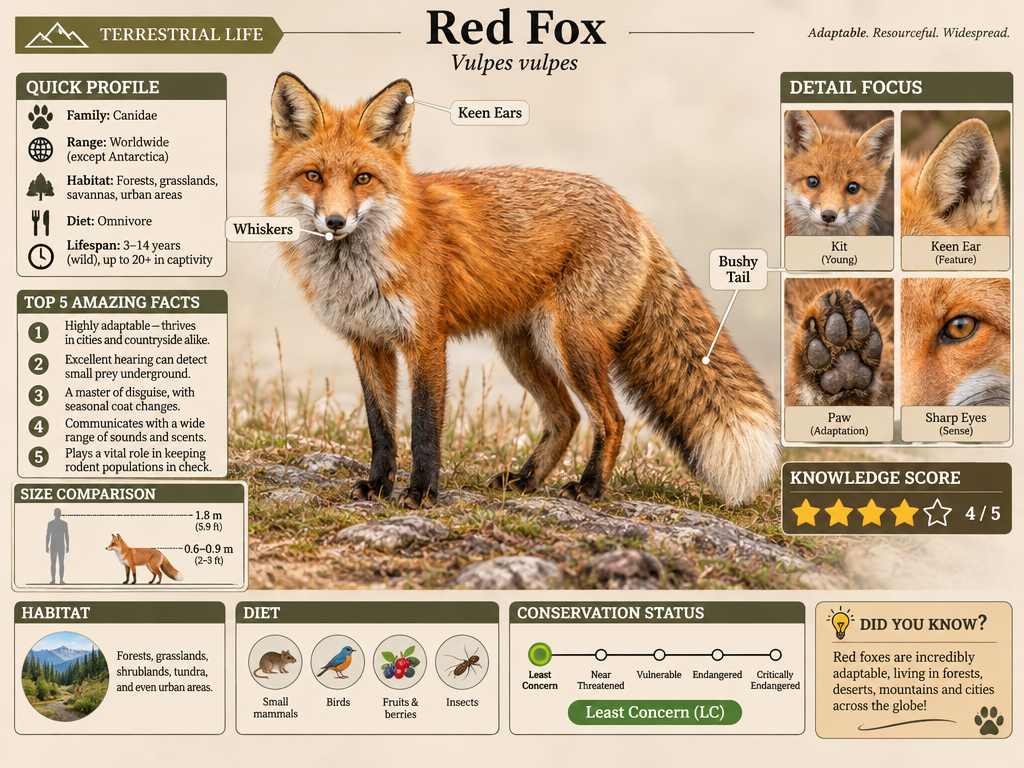
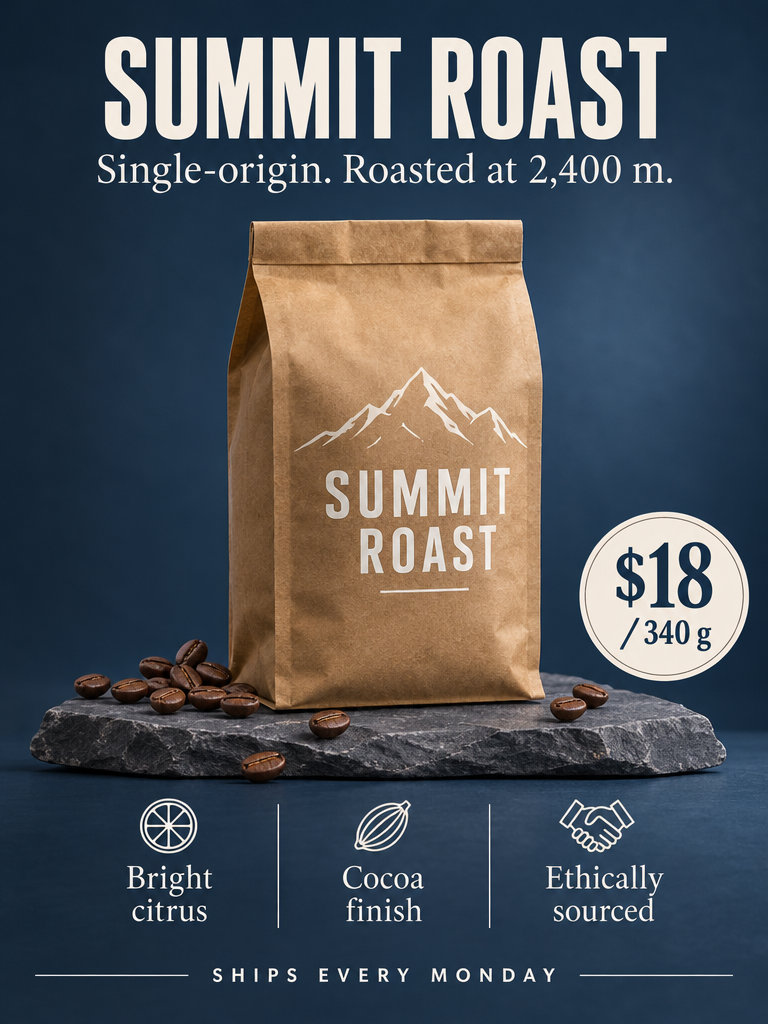
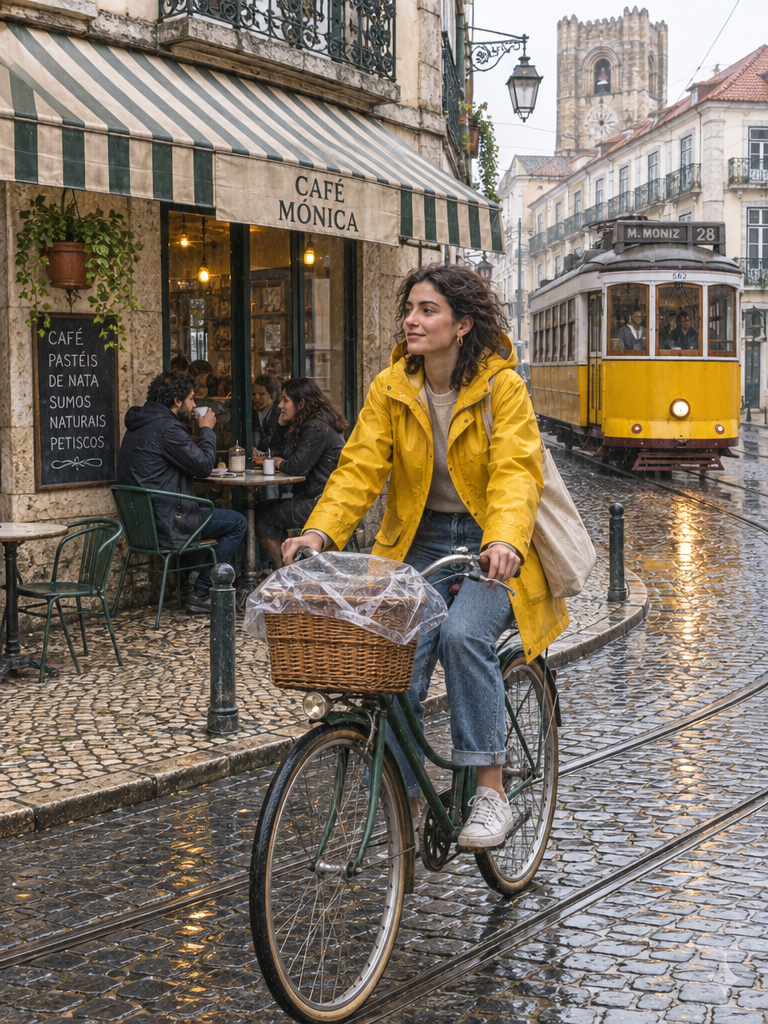
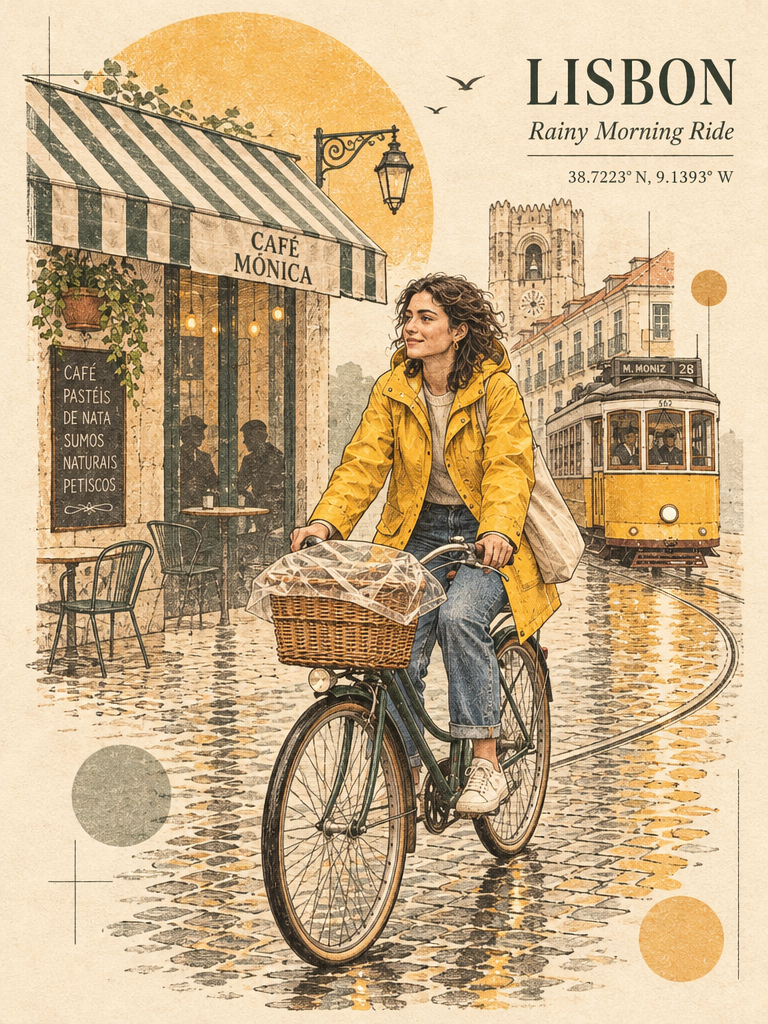
| Recipe | Prompt by | Our example | Settings |
|---|---|---|---|
| Infographic (field-guide page) | @iamsofiaijaz | Red Fox | 4:3, high, effort high |
| Product launch poster | varg (written for this skill) | SUMMIT ROAST (fictional brand) | 3:4, high |
| Photo → editorial travel print | @Naiknelofar788 | photo → LISBON print | edit, 3:4 |
| Photo → Baroque gallery poster | @Goodmanprotocol | photo → poster | edit, 3:4 |
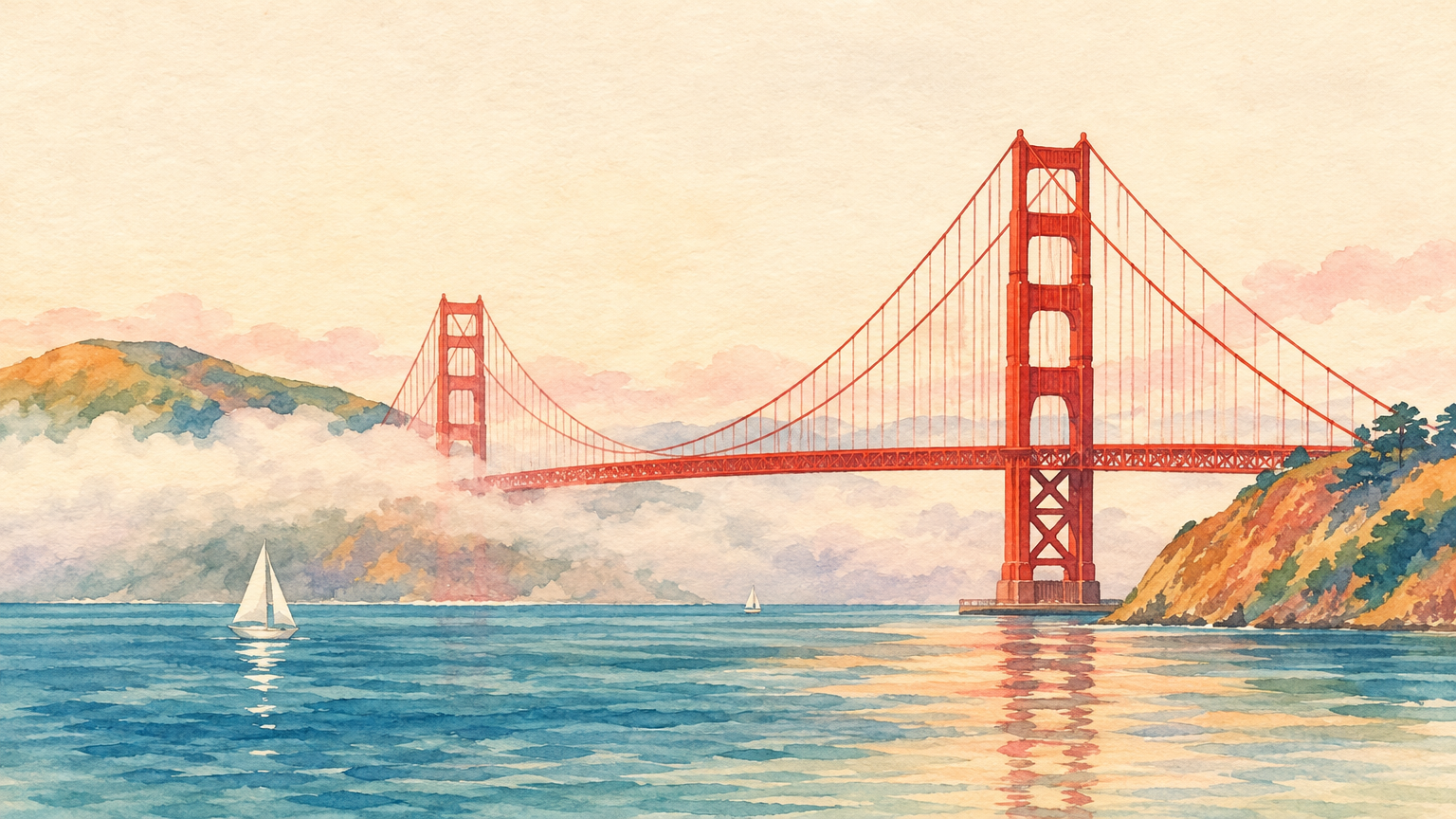
| Landmark postcard | @Maercihh | bridge in fog | 16:9, high |
| Character turnaround sheet | @EvoLinkAi | Mara | 16:9, high, effort high |
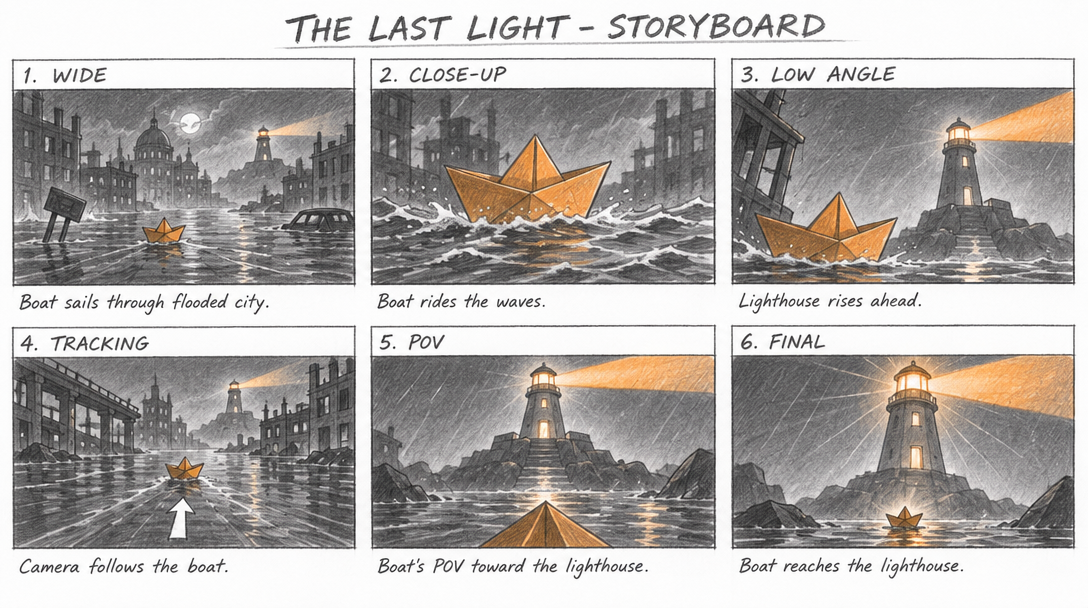
| Storyboard sheet | varg, idea by @EHuanglu | THE LAST LIGHT | 16:9, high, effort high |
| Low-res → clean upscale | @k_matsumaru | 272×152 noisy → 1536×864 | edit, image_size 1536×864 |
| What you see | Fix |
|---|---|
| A face changes from the second edit on; saturation drifts (@k_matsumaru); edit wear shows from about the third edit (@NeneneAI) | Edit from the original each time, put all changes in one pass (markup helps). Measured on a face (2026-11-05): five chained edits fell from 0.74 to 0.48 face similarity on Flare and from 0.73 to 0.29 on Sunburst with reasoning_effort: low; fresh calls from the character sheet averaged 0.77. Pinning Sunburst did not cure the chain: character-passport/references/gpt-image.md |
| Sepia wash, muddy noise (@PJaccetturo) | Not fixed by a setting we know of. Compare with nano_banana_2_1 for that shot |
| "Pretty doll faces", a 2015 Tumblr look next to Nano Banana's camera-roll realism (@flowersslop) | For casual phone-photo realism use nano_banana_2_1 |
| Pencil and other media looks are cleaner but less like the medium than 2.5 (@munou_ac) | Try gpt_image_2_5 for hand-made texture |
| Pixel art fails (@Angaisb_) | Ask for flat cartoon art and pixelate it yourself, or use another model |
| A misspelled or extra word | Shorter quoted text, reasoning_effort: "high", then fix single words with a markup edit |
SVG, xhigh, max, more than 16 frames, square 1024 GIF frames | Rejected by fal (section 4) |
| A dance prompt blocked by output moderation (@KakiponzuX) | Reword the motion; a waving prompt passed in the same test |
Measured on varg on 2026-11-05: route times (Flare ~10 s, Sunburst ~49 s), the prices in section 5, the rejections in section 4, 16:9 at 1088×608, and every example linked above (made with this skill's recipes; we did not keep the exact filled-in prompts).
gpt-image-gif, gpt-image-sticker-pack, gpt-image-sprite-sheet, gpt-image-markup-edit (this set);
varg-ai (setup, keys, every model and price); varg-character-design and character-passport
(character sheets for video); kling-4-prompting (stills as key frames for video).