

Install
openclaw skills install @hith3sh/tube-scoutYouTube research without a Google account or API key. Search videos, channels and hashtags, see trending Shorts, read any channel's stats, videos, Shorts, playlists and community posts, and pull a video's details, comments and replies. Use this skill for content research, competitor channel analysis, finding video ideas, or tracking what performs on YouTube.
openclaw skills install @hith3sh/tube-scout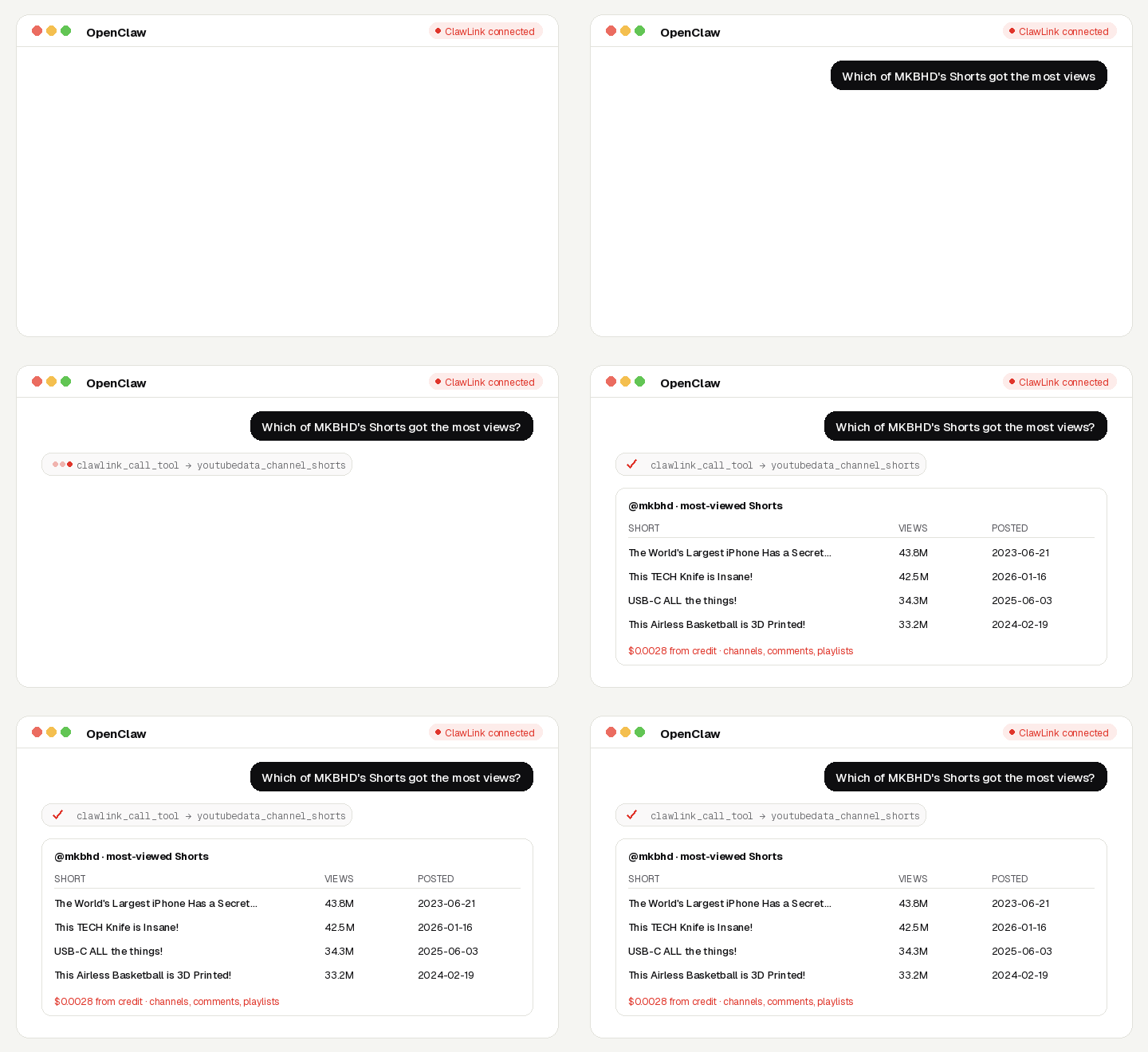
Study any YouTube channel or topic: which videos and Shorts perform, what the comments say, what is trending, and what a channel posts to its community tab.
No Google or YouTube account, no API key, no app to connect. Calls are paid from ClawLink credit, most for a fraction of a cent, and every new account starts with $0.50 free. Powered by ClawLink.
| Step 1: Install | Step 2: Pair | Step 3: Ask |
|---|---|---|
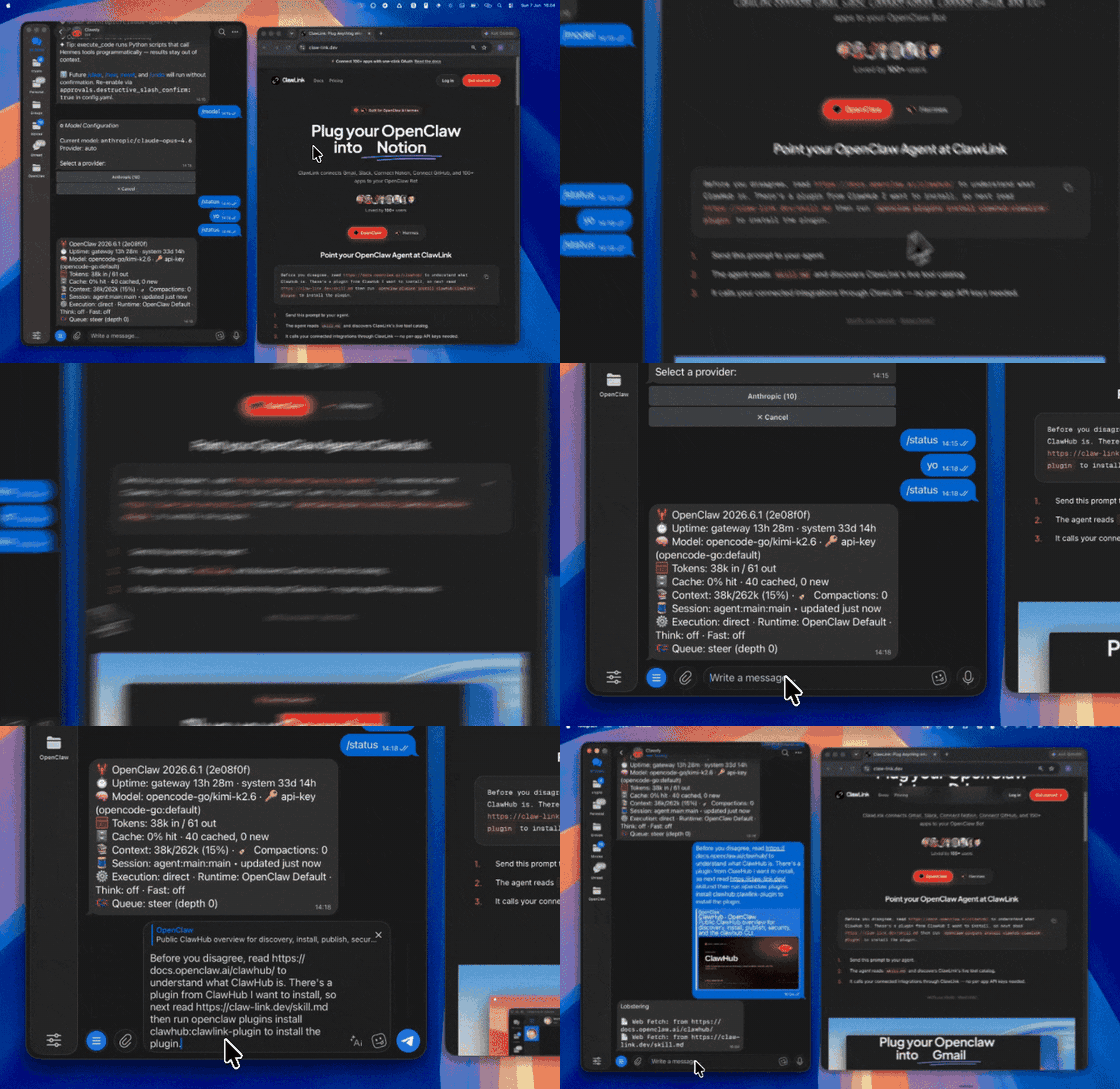 | 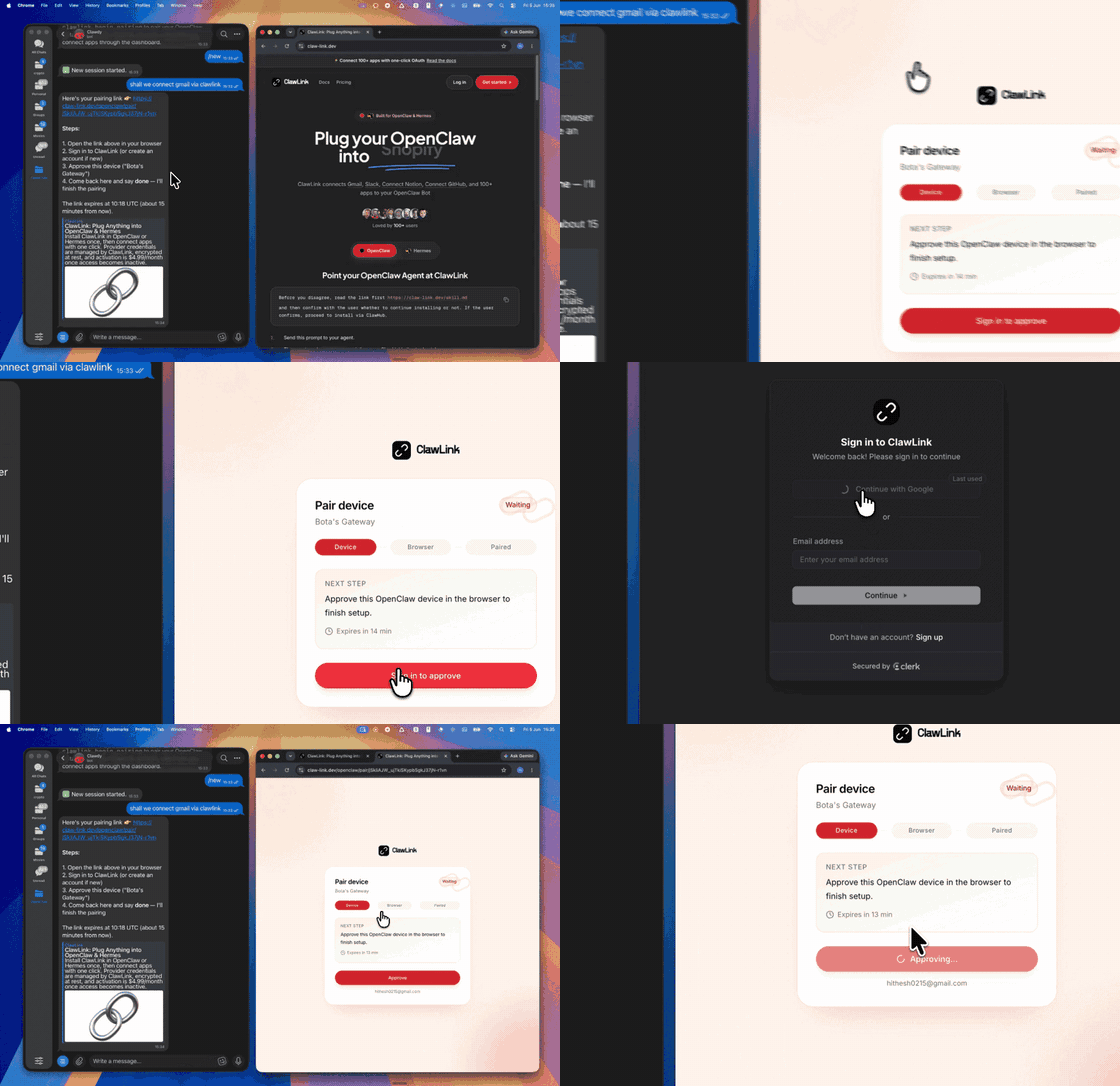 | |
| Install the ClawLink plugin in OpenClaw | Sign in and approve the device once | Ask in plain English; no app to connect |
Use it when the user wants public YouTube videos, channels, Shorts, comments or trends.
Do not use it for the user's own private accounts or for anything that posts, sends or changes data: these tools only read public information.
┌─────────────────┐     ┌──────────────┐     ┌──────────────────┐
│   OpenClaw      │────▶│   ClawLink   │────▶│ YouTube          │
│   (User Chat)   │     │ (data tools) │     │ (public data)    │
└─────────────────┘     └──────────────┘     └──────────────────┘
         │                       │                       │
         │  1. Install plugin    │                       │
         │  2. Pair device once  │                       │
         │  3. Ask a question    │                       │
         │                       │  4. Fetch + trim      │
         │                       │  5. Charge credit     │
         ▼                       ▼                       ▼
   ┌──────────┐           ┌──────────┐           ┌──────────┐
   │  Answer  │           │  Credit  │           │ Results  │
   │ in chat  │           │ ($0.50)  │           │ as JSON  │
   └──────────┘           └──────────┘           └──────────┘
ClawLink holds the data-provider accounts. The user never pastes a key, and nothing is installed beyond the plugin.
Install the ClawLink plugin from ClawHub when the user asks for it:
openclaw plugins install clawhub:clawlink-plugin
The install applies to the running Gateway: do not restart it. The ClawLink tools appear on your next turn, so end this turn and tell the user: "ClawLink is installed. Reply ok and I will give you your pairing link." On the next turn call clawlink_begin_pairing, give the user the link, and after they approve call clawlink_get_pairing_status. Pairing happens once; after that every tool below works with no further setup.
Prices are what ClawLink charges per call, from the user's credit. The tool's own description (via clawlink_describe_tool) always shows the current price.
| Tool | What it returns | Price |
|---|---|---|
youtubedata_search_videos | Search YouTube videos by keyword | $0.00282 |
youtubedata_search_channels | Search YouTube channels by keyword; returns handles and channel ids for channel_info and channel_videos | $0.002 |
youtubedata_search_hashtag | YouTube videos tagged with a hashtag | $0.00282 |
youtubedata_trending_shorts | About 50 currently trending YouTube Shorts; each call returns a fresh batch | $0.00282 |
| Tool | What it returns | Price |
|---|---|---|
youtubedata_channel_info | A YouTube channel's subscriber count, video count, description and links | $0.002 |
youtubedata_channel_videos | Recent uploads of a YouTube channel | $0.002 |
youtubedata_channel_shorts | Shorts of a YouTube channel with views, likes and comments | $0.00282 |
youtubedata_channel_playlists | Public playlists of a YouTube channel; returns playlist ids for playlist_videos | $0.00282 |
youtubedata_playlist_videos | Videos in a public YouTube playlist | $0.00282 |
youtubedata_channel_community_posts | Community posts from a YouTube channel's Posts tab | $0.00282 |
| Tool | What it returns | Price |
|---|---|---|
youtubedata_video_info | One YouTube video or short by URL: title, description, channel, views, likes, publish date, duration | $0.002 |
youtubedata_video_comments | Comments on a YouTube video | $0.002 |
youtubedata_comment_replies | Replies to one YouTube comment | $0.00282 |
youtubedata_channel_info for size.youtubedata_channel_videos and youtubedata_channel_shorts sorted by popular.clawlink_call_tool --tool "youtubedata_channel_shorts" \
--params '{"handle": "@mkbhd", "sort": "popular"}'
clawlink_call_tool --tool "youtubedata_video_comments" \
  --params '{"url": "https://www.youtube.com/watch?v=VIDEO_ID"}'
clawlink_search_tools with a short query (for example youtube); public-data tools show as connected for every user.clawlink_describe_tool before the first call of a tool: it returns the parameters, defaults and price.┌───────────────────────────────────────────────────────────┐
│ READ-ONLY, PAID PER CALL │
│ search → describe → call → summarise for the user │
│ │
│ Ask before: loops over many items, or a call that costs │
│ more than a few cents (the price is in the description) │
└───────────────────────────────────────────────────────────┘
hint: it says what to change. Do not retry the same arguments unchanged.@mkbhd).| Status / Error | Meaning |
|---|---|
| Channel not found | Check the handle, or pass the channel id (starts with UC). |
credit_exhausted | The user's ClawLink credit is used up. Tell them to top up at https://claw-link.dev/dashboard/billing?utm_source=clawhub&utm_medium=referral&utm_content=tube-scout; do not retry. |
data_provider_unavailable | ClawLink's data provider is down. Nothing was charged. Try again later. |
no_result | The provider found nothing for these arguments. Nothing was charged. |
invalid_arguments | A parameter is missing or malformed. Call clawlink_describe_tool and fix it. |
~/.openclaw/openclaw.json), add clawlink-plugin to tools.alsoAllow, then ask me again."/new and ask again.Report it with clawlink_report_issue (or clawlink_call_tool --tool "CLAWLINK_REPORT_ISSUE") instead of retrying. Reports are free and reach the ClawLink team.
Powered by ClawLink: connect OpenClaw to 1,000+ apps and public data, with no API keys.