Install
openclaw skills install @hith3sh/boldsignBoldSign e-signature platform API integration with managed OAuth. Send documents for signature, manage documents, create embedded signing links, and track document status. Use this skill when users want to send contracts for e-signature, list signed documents, create custom fields, or manage document workflows in BoldSign.
openclaw skills install @hith3sh/boldsign
BoldSign is an e-signature platform for sending, signing, and managing electronic documents. This integration lets you send documents for signature, track document status, manage brands and custom fields, and create embedded signing experiences through ClawLink's hosted OAuth flow.
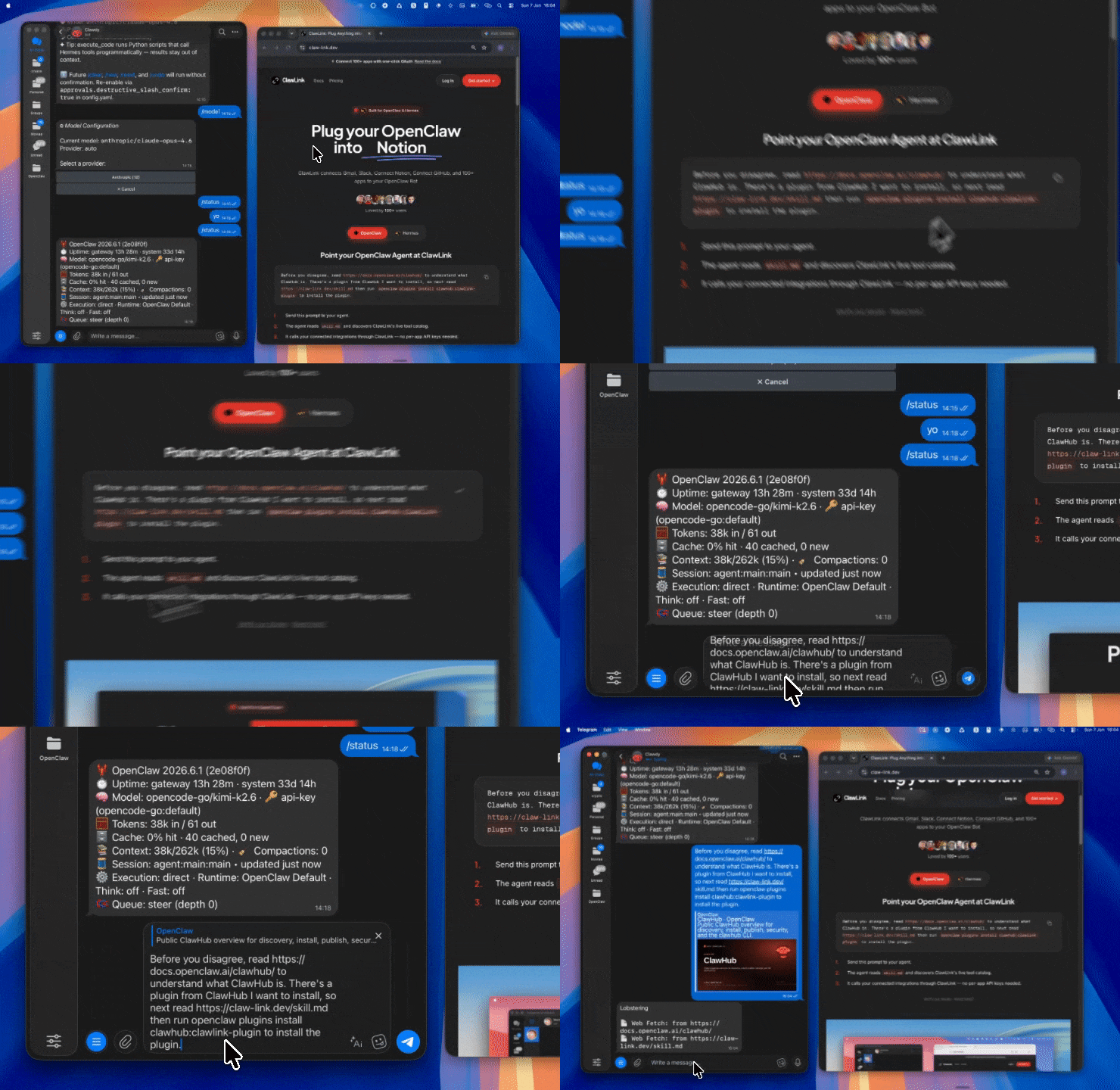
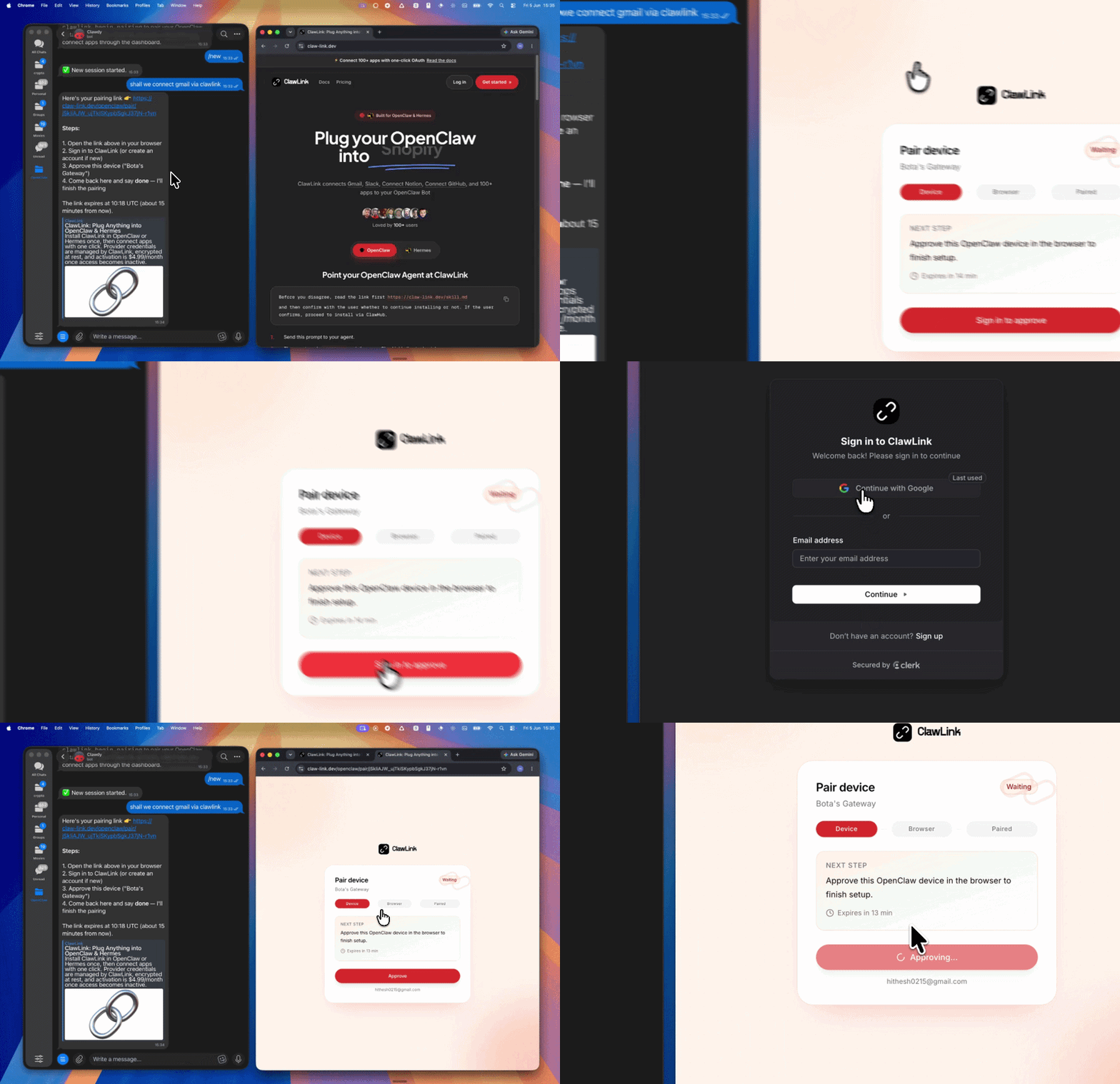
| Step 1: Install | Step 2: Pair Account | Step 3: Connect BoldSign |
|---|---|---|
 |  | App-specific connection GIF coming soon |
| Run the install command in OpenClaw | Sign in and approve the device | Open the dashboard and connect BoldSign |
┌─────────────────┐     ┌──────────────┐     ┌──────────────────┐
│   OpenClaw      │────>│   ClawLink   │────>│  BoldSign API    │
│   (User Chat)   │     │   (OAuth)    │     │                  │
└─────────────────┘     └──────────────┘     └──────────────────┘
openclaw plugins install clawhub:clawlink-plugin
openclaw config set tools.alsoAllow '["clawlink-plugin"]' --strict-json
openclaw gateway restart
boldsign_document_listboldsign_document_sendboldsign_plan_get_api_credits_countClawLink handles OAuth automatically. When you connect BoldSign through the dashboard, ClawLink obtains and refreshes tokens on your behalf. No API keys needed.
Connect at: https://claw-link.dev/dashboard?add=boldsign
clawlink_list_integrationsclawlink_list_tools --integration boldsignRead operations (listing documents, brands, credits) are safe. Write operations (sending documents, creating custom fields) require confirmation. Destructive operations (removing document authentication) are marked high-impact and require explicit approval.
| Tool | Description | Mode |
|---|---|---|
boldsign_document_list | List documents in My Documents with filters | Read |
boldsign_document_behalf_list | List documents sent on behalf of users | Read |
boldsign_document_team_list | List team documents with optional filters | Read |
boldsign_document_send | Send a document for eSignature | Write |
boldsign_document_edit_beta | Edit a draft or sent document (beta) | Write |
boldsign_document_extend_expiry | Extend a document's expiry date | Write |
boldsign_document_remove_authentication | Remove signer authentication from a document | Write |
| Tool | Description | Mode |
|---|---|---|
boldsign_brand_get | Get brand details by brand ID | Read |
boldsign_brand_list | List all brands in the account | Read |
| Tool | Description | Mode |
|---|---|---|
boldsign_custom_field_create | Create a brand-scoped custom field | Write |
boldsign_custom_field_edit | Edit an existing custom field | Write |
| Tool | Description | Mode |
|---|---|---|
boldsign_embedded_request_create_link | Create an embedded request link for in-app signing | Write |
| Tool | Description | Mode |
|---|---|---|
boldsign_file_upload | Upload a file for use in other BoldSign actions | Write |
| Tool | Description | Mode |
|---|---|---|
boldsign_plan_get_api_credits_count | Get remaining API credits count | Read |
List documents
{
  "tool": "boldsign_document_list",
  "args": { "page": 1, "pageSize": 20 }
}
Send a document for signature
{
  "tool": "boldsign_document_send",
  "args": {
    "title": "Service Agreement",
    "signers": [{ "name": "John Doe", "emailAddress": "john@example.com" }],
    "files": [{ "fileUrl": "https://example.com/contract.pdf" }]
  }
}
Create embedded signing link
{
  "tool": "boldsign_embedded_request_create_link",
  "args": {
    "title": "NDA",
    "signers": [{ "name": "Jane Smith", "emailAddress": "jane@example.com" }]
  }
}
clawlink_list_integrations to confirm boldsign is connected.clawlink_list_tools --integration boldsign to see the live catalog.boldsign_document_list to find existing documents.boldsign_brand_list to see available brand configurations.Read path: User asks "Show my documents" -> boldsign_document_list
Write path: User asks "Send contract for signing" -> Confirm -> boldsign_document_send
boldsign_file_upload tool is a helper that returns a key used by other tools (like brand logo upload).| Status / Error | Meaning |
|---|---|
| Tool not found | BoldSign integration not connected |
| Missing connection | Authenticate via https://claw-link.dev/dashboard?add=boldsign |
| 403 Forbidden | Insufficient permissions or expired credits |
| Document not found | Invalid document ID or document does not belong to your account |
Run clawlink_list_tools --integration boldsign to confirm the connection is active.
Ensure the file URL is publicly accessible. Check that signer email addresses are valid.
Powered by ClawLink -- an integration hub for OpenClaw