
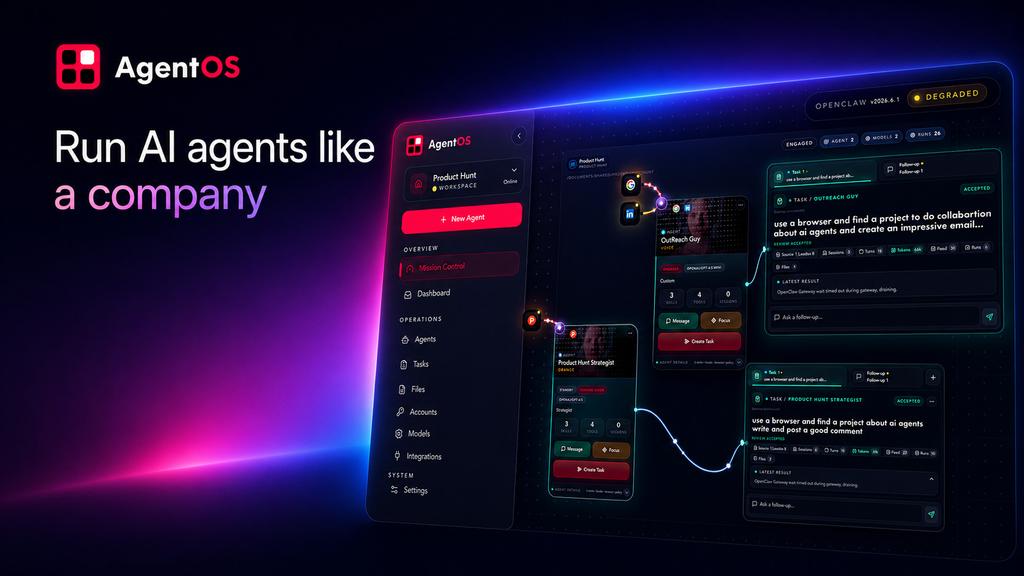
Use AgentOS as the operator control plane above OpenClaw for starting, inspecting, and diagnosing a digital workforce.
AgentOS
Run AI agents like a company.
The human operating layer above OpenClaw.
Operator guide · OpenClaw-native · Human-controlled
AgentOS operator guide
AgentOS is the operator-facing control plane above OpenClaw. OpenClaw remains authoritative for the Gateway, agents, sessions, tasks, models, channels, plugins, runtime skills, and native lifecycle.
Start here
Use the native OpenClaw plugin command when it is installed:
openclaw agentos
The command opens AgentOS in the default browser. For explicit operations:
openclaw agentos start --open
openclaw agentos status
openclaw agentos doctor --deep
openclaw agentos doctor --deep --json
openclaw agentos version
What this gives the operator
- A visual Mission Control surface for workspaces and digital workers.
- A direct path from OpenClaw runtime state to operator-facing diagnostics.
- Clear visibility into ready, degraded, unavailable, and unknown states.
- A safe place to inspect work before assigning more missions.
Recovery
If the command reports that AgentOS is unavailable:
- Check that
@sapienx/agentosis installed separately. - Confirm the
agentosexecutable is onPATH, or setAGENTOS_BINto an absolute executable path. - Run
openclaw agentos doctor --deepafter AgentOS is available. - Treat missing, degraded, or unknown OpenClaw state as a real diagnostic state; do not infer that a process is authenticated or healthy from liveness alone.
If the plugin itself is missing, inspect the native OpenClaw plugin inventory and install the ClawHub package:
openclaw plugins list
openclaw plugins install clawhub:@sapienx/openclaw-agentos
Do not create a second AgentOS runtime, a parallel skill engine, or a local substitute for OpenClaw Gateway state. Use the native OpenClaw capability when available and report unsupported or degraded behavior clearly.