marktodocx-skill

Convert Markdown into a DOCX file using the shared marktodocx Node runtime. Use when the user explicitly wants Markdown content or a Markdown file converted to .docx in this repository.

Audits

Pass

Install

openclaw skills install marktodocx-skill

marktodocx-skill

Convert Markdown into DOCX using the shared Node runtime family in this repository.

Invocation

  • If the user provides a Markdown file path, treat $0 as inputPath and $1 as the optional outputPath.
  • If the user provides Markdown content instead of a file path, call the runtime programmatically with markdown and a suitable baseDir.
  • If the user wants style customization, map their request into stylePreset, marginPreset, styleJson, or styleSet.

Execution Rules

  1. Prefer the shared agent wrapper in skill.mjs, specifically convertWithAgentSkill(). Do not create a second conversion path.
  2. Require exactly one input source: either inputPath or inline markdown.
  3. Resolve style options through the wrapper so explicit parameters override environment defaults in the same way as the CLI.
  4. Preserve local image behavior by using the Markdown file directory for inputPath, or an explicit baseDir for inline Markdown.
  5. If the document contains Mermaid and @marktodocx/runtime-node-mermaid is unavailable, fail clearly instead of silently degrading.
  6. Report the output file path after a successful conversion.

Recommended Workflow

  1. Read README.md if the user is asking about supported conversion features or style configuration.
  2. Inspect skill.mjs to confirm the wrapper interface before invoking it.
  3. Run a Node command that imports convertWithAgentSkill() from ${CLAUDE_SKILL_DIR}/skill.mjs or from the repo-relative path when working from the repository root.
  4. Pass only the parameters required for the current request.
  5. Return a concise result that includes the written DOCX path and any relevant conversion constraints.

Parameter Mapping

  • inputPath: local Markdown file path.
  • outputPath: optional DOCX output path.
  • markdown: inline Markdown content.
  • baseDir: image-resolution base directory for inline Markdown.
  • stylePreset: default, minimal, or report.
  • marginPreset: default, compact, or wide.
  • styleJson: inline JSON string, JSON file path, or plain object serialized by the wrapper.
  • styleSet: dotted-path overrides such as body.fontSizePt=12;blockquote.italic=false.

Constraints

  • Do not invent style fields outside the shared styleOptions schema.
  • Do not silently ignore missing Mermaid support.
  • Do not claim conversion succeeded until the DOCX file has been written or bytes have been returned.

Mermaid Support

  • The skill published on ClawHub does not support Mermaid diagram conversion.
  • If the Markdown contains Mermaid code blocks, the published ClawHub skill should fail clearly instead of silently producing different output.
  • If you need Mermaid conversion, build and package the skill from the source repository with Mermaid support enabled, then deploy that exported artifact yourself.

Project Links

Preview

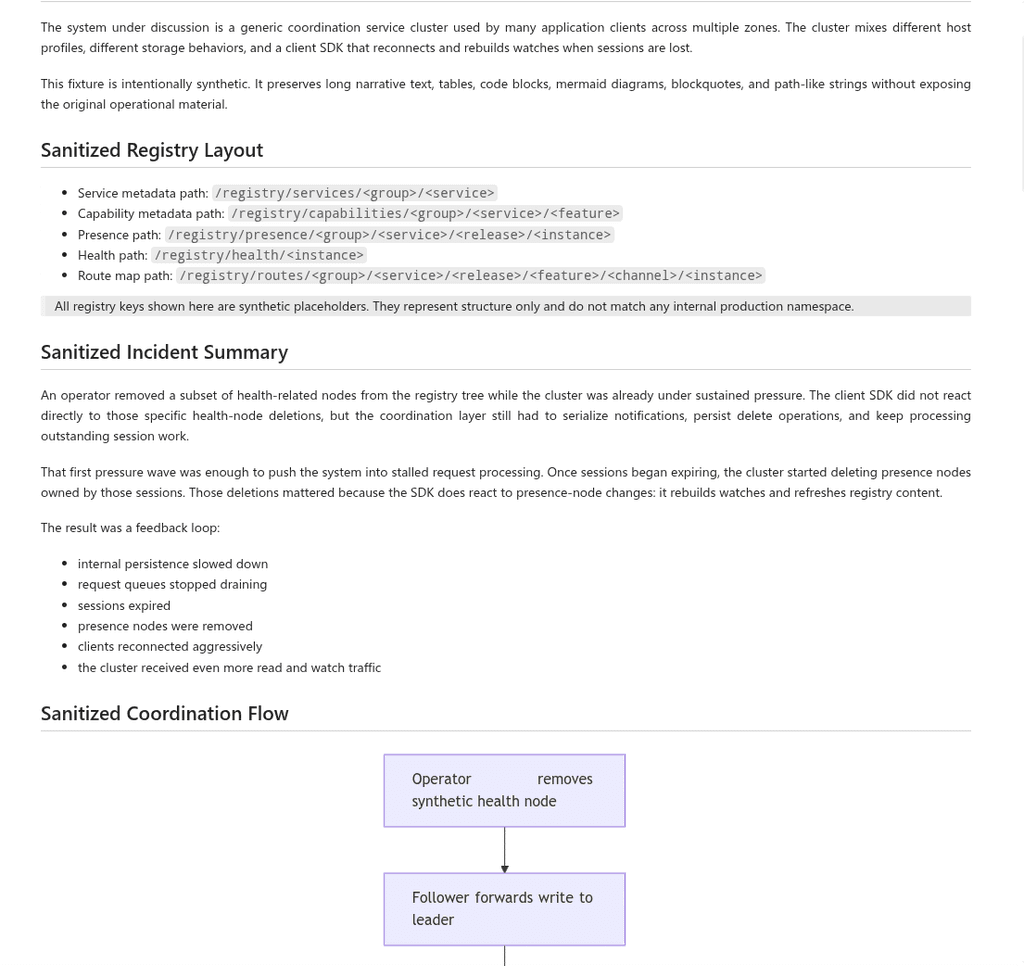
Markdown source preview:

Markdown source preview

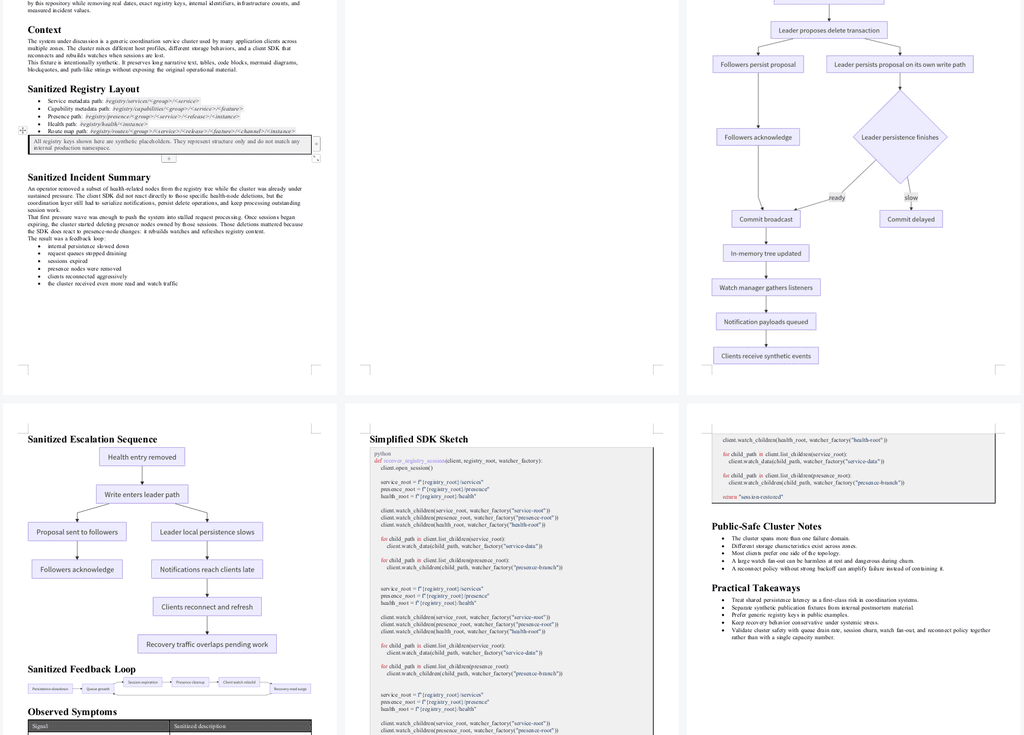
Generated DOCX preview:

Generated DOCX preview