

Install
openclaw skills install @machinesofdesire/art-directorGenerate on-aesthetic images for any brand telling stories with images. Combines a persistent brand aesthetic with per-image editorial thinking to produce visuals that do work — parallel arguments, not decoration. Wraps nano-banana-pro (Gemini) for the underlying image generation.
openclaw skills install @machinesofdesire/art-directorGenerate on-aesthetic images for any brand telling stories with images — publications, newsletters, essays, reports, brand blogs, longform product marketing, anything where the image has to feel like it belongs to you and has to do work.
The difference between this skill and a text-to-image tool: A text-to-image tool takes a description and renders it. This skill takes (a) your brand's persistent aesthetic and (b) the specific brief for this image, and generates something that argues. The image is a parallel statement to the writing, not a summary of it.
One brief, nine shipped aesthetics. Same image brief run through each preset — nine different arguments from the same subject.
| Documentary | Product-photo | Conceptual-illustration |
|---|---|---|
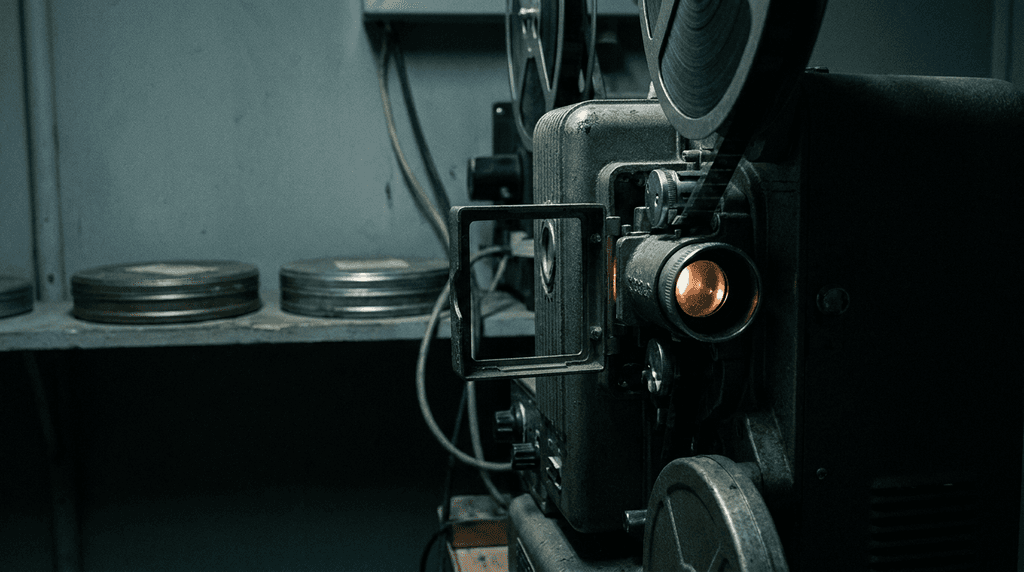 | 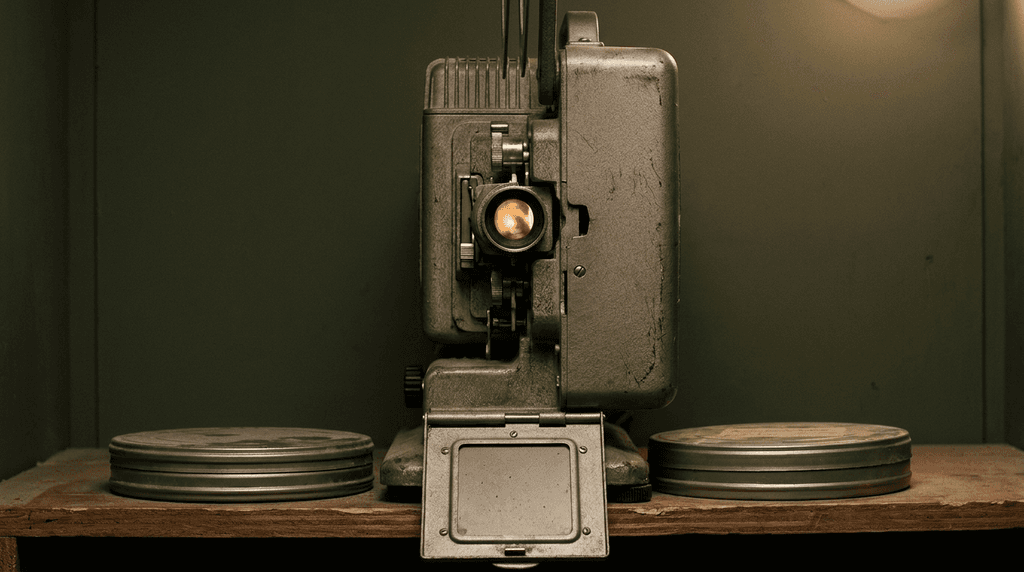 | 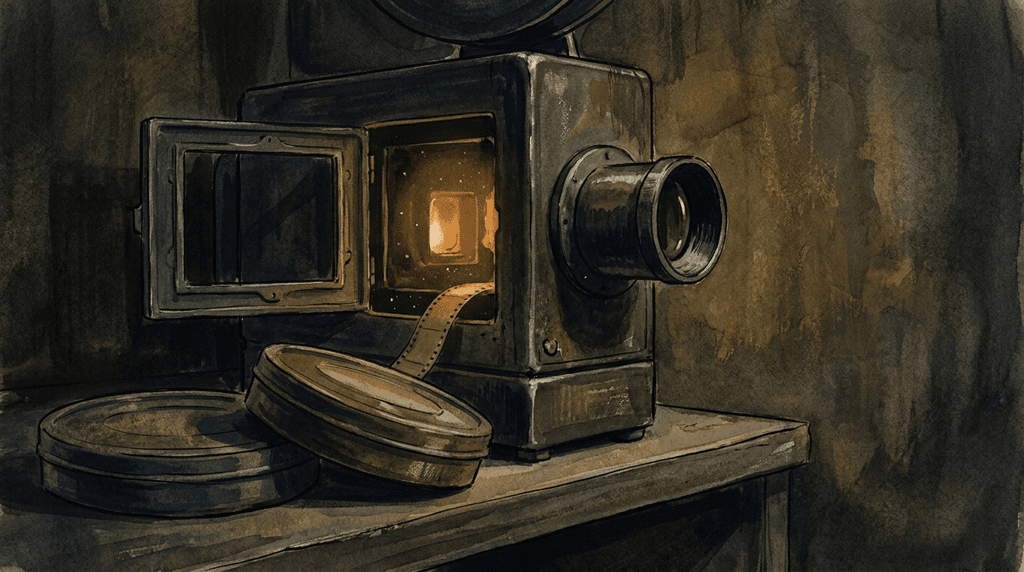 |
| Observed, photographic | Studio photography, seamless | Painterly, metaphor-forward |
| Schematic | Orbital | Editorial-collage |
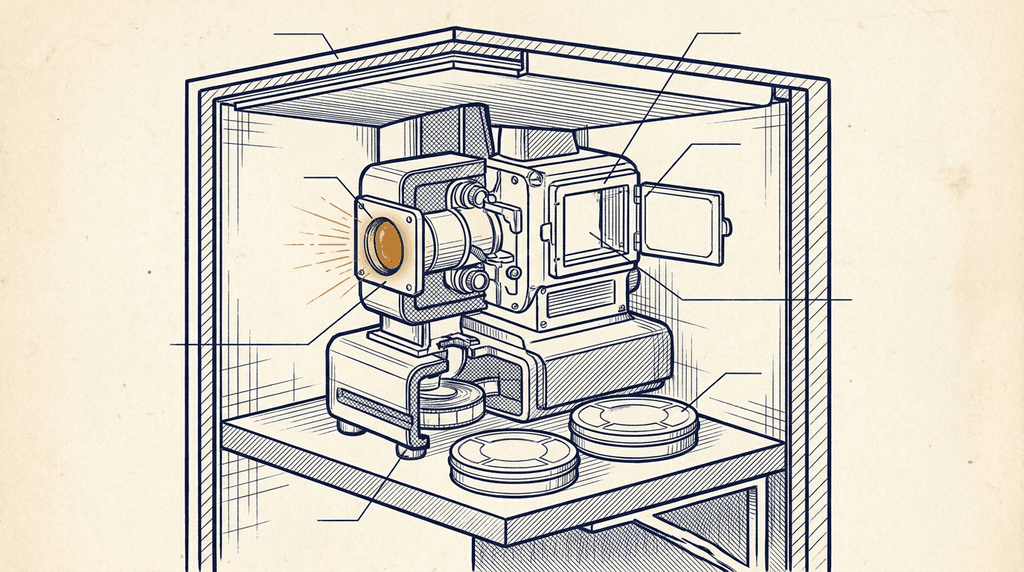 |  | 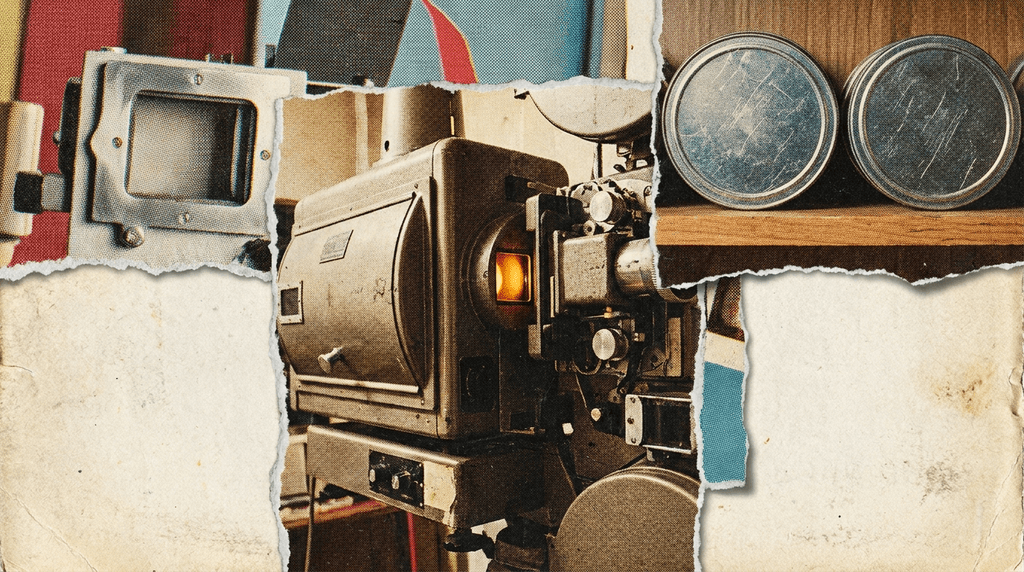 |
| Ink linework, paper, exploded-view | Flat vector, mid-century poster | Torn paper, halftone, analog |
| Product-render | Synthwave | Phosphor |
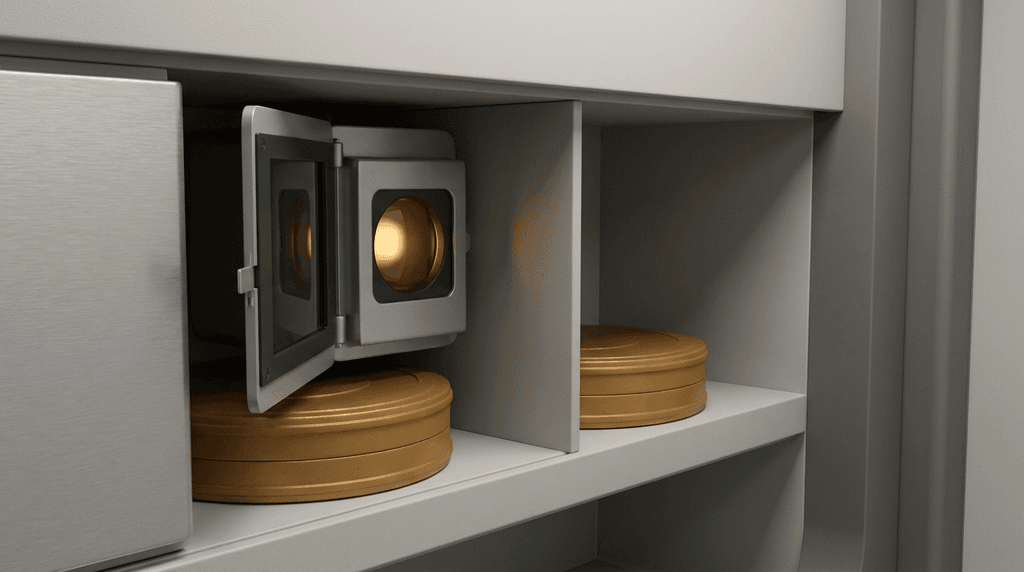 | 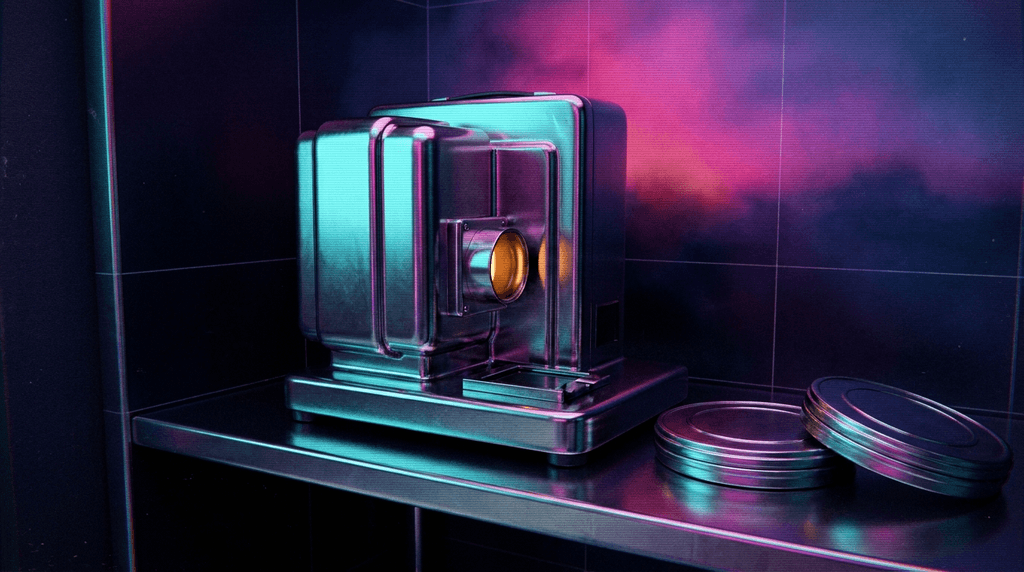 | 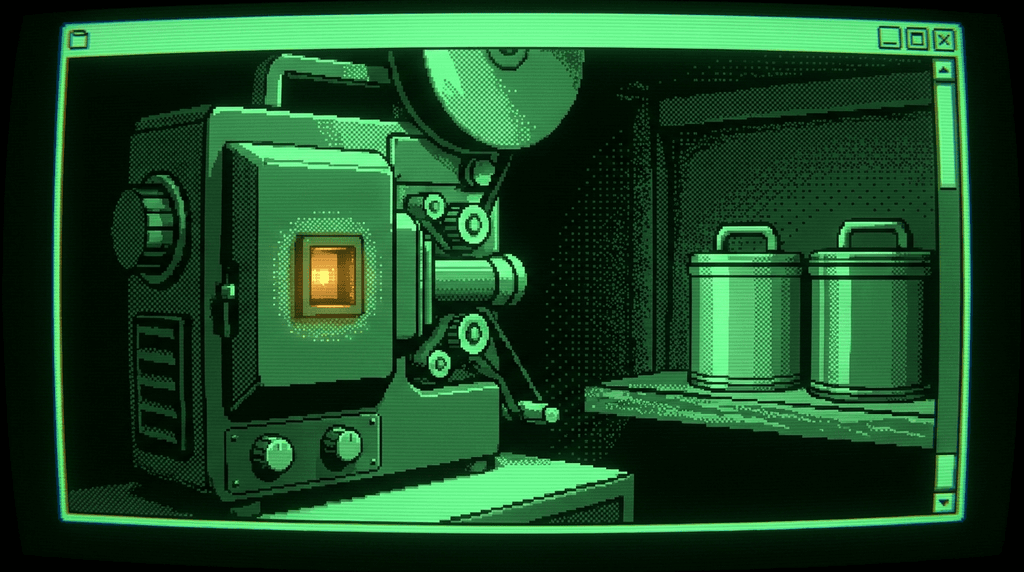 |
| 3D render, architectural | Chrome, neon, after-midnight | Green CRT, scan lines, low-bit |
A detailed worked example (same brief across three of these aesthetics, with the thinking that produced the brief) lives further down in this file.
Every generation is brand aesthetic + per-image brief → final prompt. Two files, two roles:
aesthetic.md — your brand's visual identity. Written once, edited as you learn. Defines palette, composition, rendering, tone, constraints, and reference anchors that stay consistent across every image you generate. Think of this as your publication's or brand's visual voice. Calling agents never touch this file; operators do.
The brief — what this specific image needs to do. Written fresh each call by the agent or human requesting the image. Subject, argument, emotional register for this piece. Never contradicts the aesthetic; sharpens it for this particular story.
The skill merges them. Operators control the aesthetic. Agents control the brief. Nobody has to know the other layer to do their job.
Install nano-banana-pro first — this skill calls it for image generation:
openclaw skill install nano-banana-pro
Pick a starting aesthetic preset and copy it into your workspace:
python3 art_director.py install --preset documentary
# or one of: conceptual-illustration, product-render, product-photo,
#            schematic, editorial-collage, synthwave, phosphor, orbital
# or: --preset blank  to start from an empty template
This writes aesthetic.md into the current directory. Edit it freely — the preset is a template, not a runtime value.
Optional environment variables:
OUTPUT_DIR — where generated images land (default: current directory)AESTHETIC_PATH — path to aesthetic.md (default: ./aesthetic.md)GEMINI_API_KEY — required for image generation (inherited by nano-banana-pro)When asked to create an image for a piece of content, follow this process.
You need at minimum:
Ask for any missing elements before proceeding. A vague brief produces a vague image.
Before writing a single prompt, work through these questions:
What must this image DO? Not what should it look like — what should it accomplish emotionally and intellectually? Define the function before defining the form. A piece about labor displacement should make the reader feel the weight before they read a word. A piece about financial abstraction should feel cold and constructed.
What is the visual metaphor? Every image worth making has one. Not a literal illustration of the topic — a metaphor that the reader carries into the text. A piece about regulatory capture is not a photograph of a door with a lock. It might be a hand adjusting a scale that was never level to begin with. The literal image is the first idea. It is almost never the right one.
What clichés must be avoided? Every topic has visual clichés that signal lazy thinking:
Does the brief require departing from the brand aesthetic? Most of the time, no — the aesthetic holds. Occasionally a piece demands departure (a tonal shift, a special issue, an unusual subject). Departure requires editorial justification, not aesthetic preference. If you're departing, say so and say why in your delivery notes.
The prompt is a creative brief to a generative system. Apply these rules:
Use art and photography language, not tech language:
Be specific about what matters:
Be silent about what doesn't: Let the system find its own solutions for secondary elements. Over-specification produces over-engineered images.
Always include these technical specifications (the skill will append them if you forget):
16:9 aspect ratio — required for standard publication header formatno embedded text or typography — typography is set separately by the CMSgrain, imperfection, photographic texture — not hyper-rendered smoothnessStructure your prompt as:
[Visual metaphor / scene], [compositional approach], [light quality], [color palette and temperature], [texture and finish], [reference anchor if relevant], 16:9, no embedded text, [any per-piece direction]
The skill will automatically prepend your brand's aesthetic.md as the opening context. Your brief should sharpen and specify within that frame, not restate it.
python3 art_director.py generate \
  --brief "your full art-directed prompt" \
  --output "YYYY-MM-DD-slug.png" \
  [--resolution 2K]
Resolutions:
1K — draft / review pass2K — standard publication (default)4K — high-resolution finalAfter generation, review against the brief:
If the image feels decorative rather than editorial, identify which element turned it generic. Adjust the prompt toward the metaphor, away from the literal. Regenerate.
One refinement pass is expected and normal. More than two passes usually means the metaphor needs rethinking, not the prompt.
Report:
Aesthetic configs only get good through iteration. After install, generate a batch of 10–20 images against your current aesthetic with varied briefs. Review them side by side. Tune the aesthetic. Regenerate.
python3 art_director.py batch --briefs briefs.txt --outdir ./iteration-01/
briefs.txt is one brief per line (blank lines ignored). The skill generates one image per brief against the current aesthetic.md. This is how you learn what your brand actually wants by seeing what it doesn't want.
No people without abstraction. Do not generate identifiable individuals, real or synthetic. If human presence is needed, use silhouette, abstraction, hands, shadow, partial framings. The ethics of synthetic portraiture are unresolved. Don't go there.
No text in the image. Ever. Text rendering in generative models is unreliable and typography is a typographer's job. Images with text embedded will look wrong even when they work.
Credit the image. If your brand has a convention for labeling AI-generated images, use it. Transparency is non-negotiable.
Bias awareness. Generative models default toward Western, lighter-skinned, conventionally attractive subjects. Direct against the default when the image calls for diversity the model would otherwise erase.
A real brief run through three of the nine shipped presets, so you can see the two-layer model working: same image brief, different aesthetics, three different arguments. (The full nine-aesthetic grid lives in README.md.)
Piece: An essay about silent obsolescence — things that still run but no longer serve their purpose. The piece never names projection; the image carries the metaphor.
Tone: Quiet, slightly haunted, observational.
Avoid: Dramatic beams of light, empty theaters, film reels mid-flight, anything that romanticizes the projector as a Cinema Paradiso icon.
Thinking: The image must carry the stopped-but-still-running feeling. The literal read — a projector in a booth — would miss it. The move is to make the machine feel on while giving it nothing to do: no reel threaded, no window to a theater, no beam — just the lamp contained inside its own housing, glowing for no one.
Brief:
Extreme close-up of a projection booth interior — projector housing, lamp,
film gate, two closed canisters on the shelf. Nothing loaded. Booth sealed;
no window to a theater. The lamp amber is a small contained glow at the
housing aperture, not a beam, not a room wash. The machine is on. There is
nothing to play. Accent: archival-tape amber (#C4873A).
Documentary — observed, photographic, magazine-feature register:
Conceptual-illustration — painterly, metaphor-forward, essay register:
Product-render — 3D render, architectural, product-marketing register:
The brief never changed. The aesthetic did. That's the skill.
This is not a tool for decorative images. It is not a tool for literal illustration. It is not a faster way to get stock photography.
If the brief is "generate an image of an AI robot for our AI article," push back. That's the wrong brief. The right brief is: what should a reader feel before they start reading? Start there.